
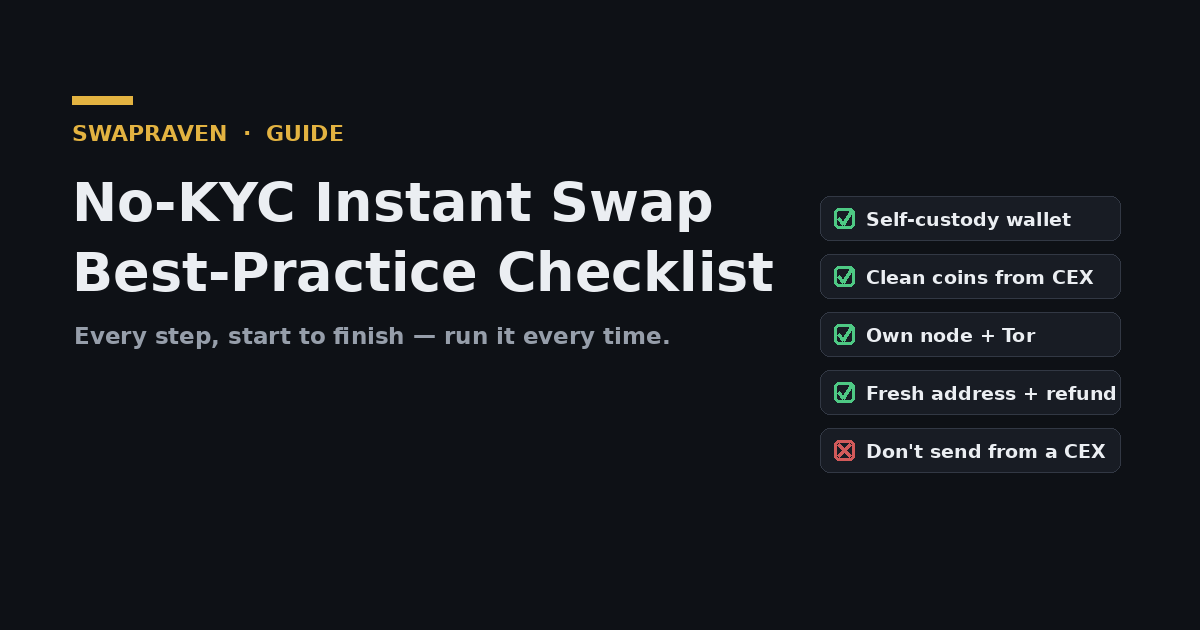
No-KYC instant swaps are simple, but doing them well — privately, safely, and without a failed transaction — comes down to a repeatable routine. This is the complete checklist: every step from the very beginning (before you hold any coins) through the swap itself and the privacy hygiene afterward. Bookmark it and run through it each time. For the deeper "why" behind each item, follow the linked guides.
Phase 1 — Before you swap (setup)
- ☐ Use self-custody wallets. Have a wallet you control for both the coin you're sending and the one you're receiving — never swap into a custodial/exchange address. (See The Best Wallets for Instant Swaps.)
- ☐ Run your own node where it matters. For Monero especially, use the Monero GUI with your own node so you're not leaking addresses to a remote server.
- ☐ Decide on Tor/VPN. Use Tor or a VPN for network privacy where the service allows it.
- ☐ Pick a reputable, no-KYC service. Choose one with a solid trust grade and a clear KYC/AML posture from the SwapRaven directory.
- ☐ Read the service's terms. Note limits, supported coins/networks, and what (if anything) triggers verification.
Phase 2 — Sourcing clean coins
- ☐ Get your starting coin into self-custody first. If you bought on a CEX, withdraw to your own wallet before swapping — never send straight from a CEX to an instant swap. (See Buy on a CEX and Withdraw to Your Own Wallet.)
- ☐ Screen for tainted coins. Check that your coins aren't flagged high-risk before you swap, so you don't get held or frozen. (See How to Avoid KYC and AML Flags.)
- ☐ Route through a privacy coin for max privacy. Going through Monero breaks the on-chain trail. (See Chain Hopping for Privacy.)
Phase 3 — Setting up the swap
- ☐ Choose the send and receive coins and confirm both networks (e.g. USDT on the right chain).
- ☐ Pick fixed or floating rate deliberately — fixed for an exact amount/payment, floating for the lowest fee. (See Fixed vs Floating Rates.)
- ☐ Generate a fresh receiving address in your own wallet for the output coin.
- ☐ Set a refund address you control — your safety net if the swap can't complete.
- ☐ Mind the limits. Keep your amount within the swap's min/max for the pair.
Phase 4 — Sending the deposit
- ☐ Sync your wallet before sending (Monero especially).
- ☐ Get the units right. Whole BTC vs mBTC vs sats — send the exact quoted amount.
- ☐ Add the network fee on top so the exchange receives the full amount, not short.
- ☐ Verify the deposit address by eye — first and last characters — even if you scanned a QR.
- ☐ Include any memo/tag the deposit requires.
- ☐ Send promptly so a fixed-rate quote doesn't expire and a floating rate doesn't drift.
Phase 5 — After the swap (hygiene)
- ☐ Confirm receipt into your own wallet.
- ☐ Don't reuse addresses. A fresh receiving/refund address per swap keeps your activity unlinked.
- ☐ Keep clean coins separate from coins of unknown history.
- ☐ Test small with a new service before moving a larger amount next time.
What to avoid (the anti-checklist)
- ✗ Don't send from a CEX directly to a swap — re-links your identity, breaks refunds, and risks freezes.
- ✗ Don't structure — splitting into many small look-alike transactions is itself a red flag.
- ✗ Don't push tainted coins through and hope.
- ✗ Don't reuse addresses or skip the refund address.
- ✗ Don't trust a QR code blindly — always verify the address text.
For the full breakdown of pitfalls, see Common Mistakes People Make With Instant Swaps and the step-by-step in How to Use an Instant Swap Exchange.
The one-line version
Self-custody wallet → clean coins out of a CEX → own node + Tor → fresh addresses + refund → verify address & network → send promptly → receive privately. Run that routine every time and your no-KYC swaps stay private, safe, and smooth.
Start with a vetted swap on SwapRaven
A good checklist still needs a good service. SwapRaven grades no-KYC instant swap exchanges on trust, fees, supported coins, and KYC/AML posture. Browse the directory to find a vetted, no-KYC instant swap and put this checklist to work.
Comments (0)
Leave a comment