
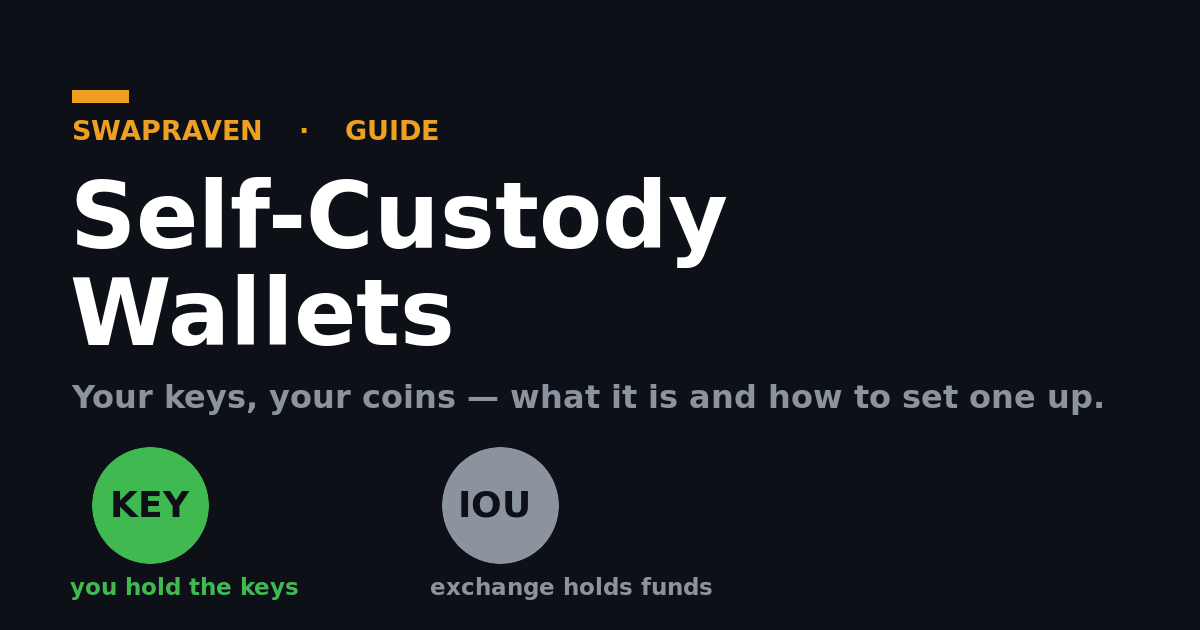
"Not your keys, not your coins" is the oldest saying in crypto, and it comes down to one choice: does you control your funds, or does a company? A self-custody wallet puts you in control — you hold the keys, and no exchange, bank, or platform can freeze, lend out, or lose your money. This guide explains what a self-custody wallet actually is under the hood, how it differs from leaving funds on an exchange that holds them for you, why that difference matters, and exactly how to set one up.
This is general educational content, not financial advice. With self-custody you are your own bank — which is the point, and the responsibility.
What a self-custody wallet actually is
The first thing to unlearn: a wallet doesn't actually "hold" your coins. Your coins only ever exist as entries on the blockchain itself. What a wallet holds is the private key that proves those entries are yours and authorizes moving them. In other words, a self-custody wallet is a key manager, not a vault.
Three pieces make it work:
- Your private key — the secret that signs transactions. Whoever holds it controls the funds. Full stop.
- Your seed phrase — the 12–24 words your wallet shows you at setup. It's a human-readable backup of your keys; from it, the wallet can regenerate everything. Anyone with the seed is you, as far as the blockchain is concerned.
- Your public address — derived from your keys, this is what you share to receive funds. Safe to give out; it reveals nothing that lets someone spend.
So "self-custody" simply means you, and only you, hold that private key/seed. The wallet app is just the tool that stores it and uses it to sign — the control is yours.
How an exchange holds your funds — and why it's different
When your crypto sits on a centralized exchange, the model is the opposite. The exchange holds the private keys; you hold a promise. Here's what's really happening:
- Your balance is a database entry, not coins you control. The exchange pools customer funds in its own wallets (an "omnibus" wallet) and credits you a number in its internal ledger. That number is effectively an IOU — a claim against the company, not on-chain coins with your name on them.
- You can't sign — you can only request. To move funds, you ask the exchange to withdraw on your behalf. It decides whether to honor that request, and it can pause, limit, or deny it.
- Their keys, their control. Because the exchange holds the keys, it can lend your funds out, freeze your account, demand KYC before releasing anything, or lose everything if it's hacked or goes insolvent.
That's the whole "not your keys, not your coins" point: on an exchange you have a claim; with a self-custody wallet you have the coins. It's the core distinction behind instant swaps vs centralized exchanges.
Why holding your own keys matters
The custodial difference isn't academic — it shows up exactly when it counts:
- No counterparty risk. Exchanges have collapsed, been hacked, and frozen withdrawals overnight, taking customer funds with them. A self-custody wallet has no company that can fail underneath you — your keys keep working regardless of who's in business.
- No freezes or gatekeeping. No one can lock you out of your own funds, reverse your transactions, or require permission for you to spend.
- Censorship resistance and privacy. You transact directly with the network. There's no account tied to your identity sitting between you and your money.
- Genuine ownership. This is the entire premise of crypto — bearer assets you actually hold, not a balance someone lets you see.
The trade-off is real responsibility: there's no support line or password reset. Lose the seed and the funds are gone; that's why backing it up properly matters so much (more below).
How to set up a self-custody wallet, step by step
Getting started is quicker than people expect. The careful part is the backup.
- Pick a wallet that fits the coins you hold. Choose a reputable wallet that supports your chains — for example a Bitcoin wallet like Sparrow or BlueWallet, an Ethereum/EVM wallet like Rabby or MetaMask, a Solana wallet like Phantom, or a multi-chain wallet if you hold several. For larger balances, a hardware wallet (Ledger, Trezor, Coldcard) keeps the keys on a dedicated offline device.
- Download it only from the official source. Go to the project's real website or the official app store listing — never a search ad or a link someone DMs you. Fake wallet apps exist purely to steal seeds. Verify the URL carefully.
- Create a new wallet and reveal your seed phrase. The app generates your keys and shows you the 12–24 word seed. This is the single most important screen in all of crypto.
- Write the seed down offline — never digitally. Copy the words onto paper (or stamp them into metal for durability) and store them somewhere safe. Do not screenshot it, type it into a note, photograph it, or paste it into cloud storage — anything online is a target.
- Confirm the backup. The wallet will ask you to re-enter some words to prove you saved them. Don't skip this; it's how you know the backup is correct before any money is involved.
- Receive a small test amount first. Copy your public receive address, send a tiny amount, and confirm it lands. Now you can also practice sending it back out, so you're comfortable before moving anything significant.
That's it — once the seed is yours and backed up, you're self-custodial. Securing that seed well over the long run — cold storage, an optional passphrase, and multisig for larger amounts — is its own deeper topic worth studying once you're set up.
Receiving and sending: how to actually use it
Day-to-day, a self-custody wallet is simple, but a few habits prevent costly mistakes:
- To receive, share your public address (or its QR code). Generating a fresh address per receipt is good for privacy.
- Match the network. Send and receive on the same chain — sending an asset on the wrong network is a common way to lose funds. Confirm the coin and network on both ends.
- To send, you pay a network fee. Your transaction includes a fee paid to the network (not to your wallet), and it's how miners/validators confirm it — see Network Fees Explained.
- Verify the address by eye. Check the first and last characters before sending; clipboard-hijacking malware swaps addresses.
Mistakes that quietly hand custody back
- Leaving funds "just for now" on the exchange. If it's on the exchange, it's in their custody — withdraw to your own wallet to actually own it.
- Storing the seed digitally. A screenshot or cloud note turns self-custody back into someone-else's-custody the moment that account is breached.
- Entering your seed anywhere but your wallet. No legitimate site, support agent, or app ever needs your seed phrase. Anyone asking is trying to rob you.
- Importing into a sketchy app. Only put your seed into wallets you've vetted and downloaded from the official source.
Self-custody is the point — pair it with no-KYC swaps
A self-custody wallet is what makes the rest of crypto's promise real: you hold your own coins, free of any company that can freeze or lose them. Once you have one, you can swap directly into it without ever surrendering custody — send from your wallet, receive to your wallet — using a no-KYC instant swap exchange. Try it with a real example like swapping ETH to Bitcoin or using instant swaps to get Monero, and compare vetted, no-KYC exchanges on SwapRaven — so your coins move from your keys to your keys, and nobody else's.
Comments (0)
Leave a comment