
To receive Bitcoin from an instant swap, you need one thing: a Bitcoin address to send it to. If you're new, that raises a few questions — what is an address, what does it look like, why are there different kinds, and how do you actually use one in a swap? This guide answers all of it so you can confidently get a Bitcoin address and receive your coins safely.
This is general educational content, not financial advice.
What a Bitcoin address is
A Bitcoin address is a short string derived from your wallet's keys that acts like an account number you share to receive funds. It comes from your public key (see Public and Private Keys Explained), so it's safe to give out — anyone can send to it, but only your private key can spend what arrives. You don't create addresses by hand; your wallet generates them for you, and a good wallet hands you a fresh one for each receive to protect your privacy.
How to get a Bitcoin address
- Install a self-custody Bitcoin wallet (for example Sparrow on desktop or BlueWallet on mobile) from its official site.
- Create the wallet and back up your seed phrase offline — those words restore your funds.
- Tap "Receive." The wallet displays your address as text and a QR code. That's it — that's your address, ready to share.
No signup, no exchange, no permission needed — the address is yours the moment the wallet exists.
What a Bitcoin address looks like — the types
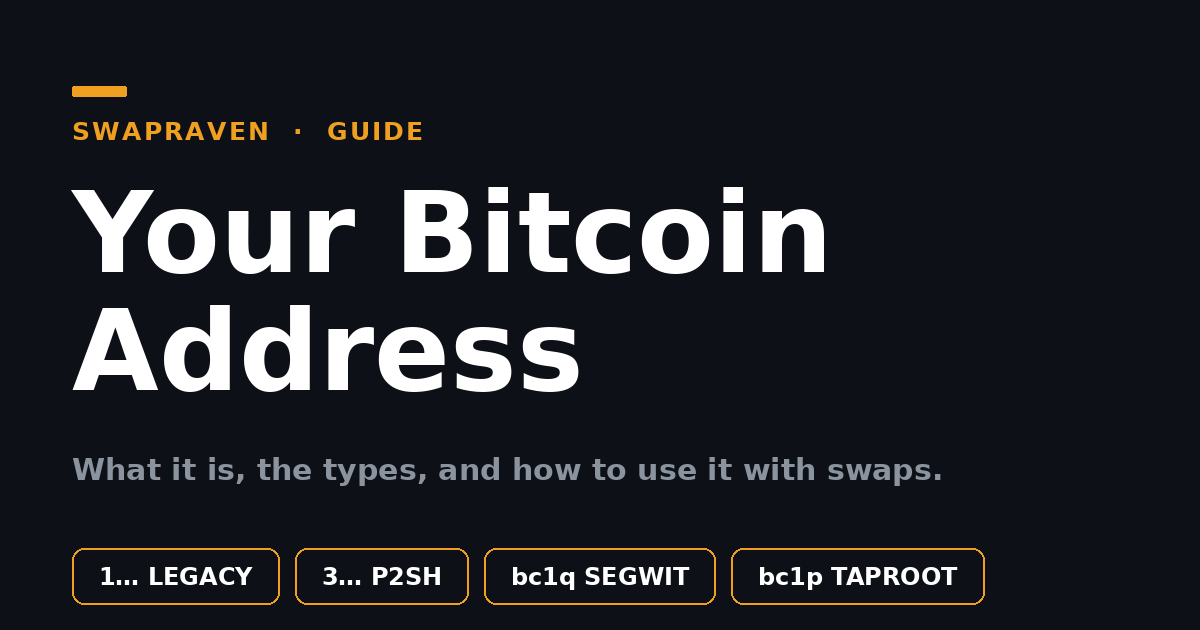
You'll see a few formats, because Bitcoin has upgraded over the years. All are valid; they differ mainly in fees and features:
- Legacy (P2PKH) — starts with
1(e.g.1A1zP1…). The original format; works everywhere but costs the most in fees. - P2SH — starts with
3(e.g.3J98t1…). Often used for nested SegWit and multisig. - Native SegWit (bech32) — starts with
bc1q(e.g.bc1qar0s…). Lower fees; the modern default and the best choice for most people. - Taproot (bech32m) — starts with
bc1p. The newest type, with privacy and efficiency benefits.
For receiving a swap, native SegWit (bc1q…) is the sensible default — cheap and widely supported. The different types all interoperate, so a sender on any format can pay your bc1q address.
How to use your address with an instant swap
- Start a swap on SwapRaven for your pair (say XMR → BTC) and choose your exchange.
- Paste your Bitcoin receiving address as the destination — copy it from your wallet's "Receive" screen, or scan its QR.
- Double-check it. Confirm the first and last characters match your wallet, and that it's a Bitcoin address on the Bitcoin network — see Always Double-Check the Address. Sending to the wrong network loses funds.
- Complete the swap. Send your deposit, and after confirmations the BTC arrives at your address — visible to you on any explorer such as mempool.space.
A few address habits worth keeping
- Use a fresh address each time for better privacy — your wallet does this automatically.
- Only share the address, never your seed or private key. The address is public; the keys are not.
- Verify before every send, by eye, the first and last characters.
- Match the network — a Bitcoin address only receives Bitcoin.
Get your address, then swap on SwapRaven
A Bitcoin address is simply your shareable receiving slot — generate one in any self-custody wallet, prefer native SegWit, and you're ready to receive. SwapRaven grades no-KYC instant swaps and lets you find BTC pairs, so you can paste your address, swap, and get Bitcoin straight into a wallet you control — no account, and no KYC by default. New here? Start with What is an Instant Swap Exchange?
Comments (0)
Leave a comment